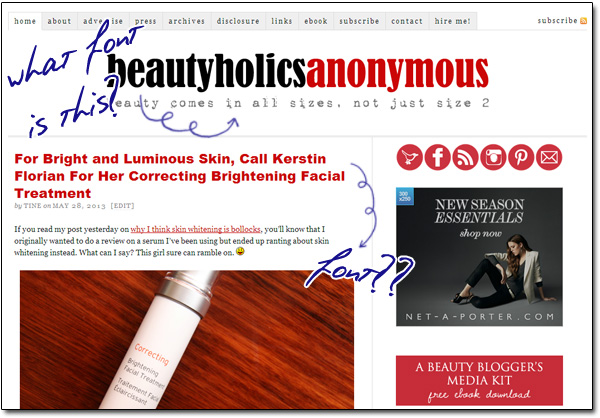
When I first started working on designs for my blogs years ago, I perused hundreds of blogs for inspiration. One of my most frustrated moments was seeing fonts I liked on websites but have no idea what they are.
So I went to websites where you can download free fonts and browsed page by page, hoping to find the name of the font. Lots of time was wasted and in the end, I came up with nothing.
Back then, I wasn’t web-savvy at all. I didn’t know one could view Page Source on the browser to see the HTML of the page to find out what the fonts were. To think I wasted all that time trying to figure out what a particular font was when I could have just checked the Page Source! *facepalm*
Even so, these days, if I want to find out what the used fonts are, I can’t be bothered reading through the CSS codes to figure out what font goes where. What if the font I wanted to know is embedded in an image instead of being selectable with a mouse? The webpage’s Page Source isn’t going to tell me anything.
If you’d like to know what certain fonts are and would like to use it for your blog, school, work and so on, here are 4 available tools for you.