What: Haircut, styling, colour, treatments
Where: Oscar Oscar Salon, Chadstone
Duration: 1-3 hours, depending on the hair service
Hair expert: Jacky Chan (head stylist) and Nathan Armagnacq (head colourist)
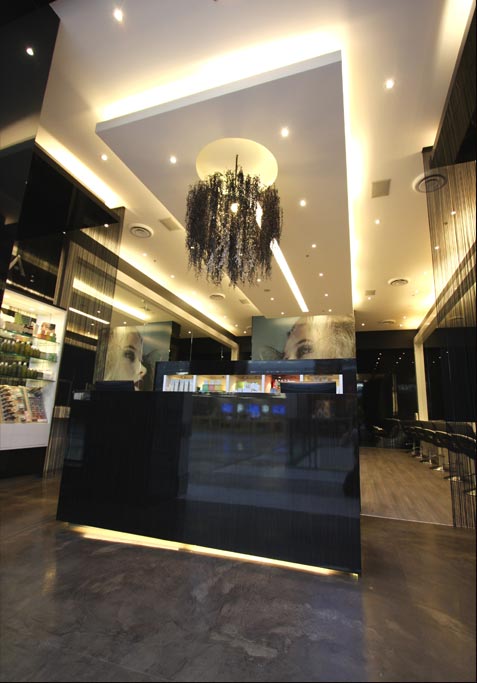
Credit: Oscar Oscar Salon

What: Haircut, styling, colour, treatments
Where: Oscar Oscar Salon, Chadstone
Duration: 1-3 hours, depending on the hair service
Hair expert: Jacky Chan (head stylist) and Nathan Armagnacq (head colourist)
Credit: Oscar Oscar Salon
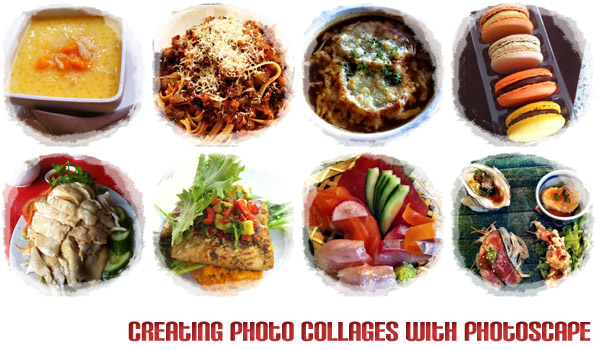
I like photo collages in blogs. When they’re not too small (ie too many pictures in one collage – this is pointless as the individual images become too small to view ), I get to view many pictures without having to increase page loading time. Photo collages are not everyone’s cup of tea, but if they are yours, why not incorporate them to your blog as well?
Most of the photo collages on my blog are created with Adobe Photoshop. It’s my favourite photo editing tool, which I have used for years. However, I know it’s not a cheap program to acquire, especially if you’re just looking at basic photo editing.
I stumbled upon Photoscape months ago, but never really used it until one day, I decided to try it out, especially for creating photo collages. Creating collages on Photoshop requires more work if you haven’t had any saved actions or presets (i.e. all images have to be added and placed manually). On Photoscape, you can get a variety of collage designs with just a few clicks of a button.









We hate spam as much as baked beans. We also won't share your details with anyone because we're selfish like that.