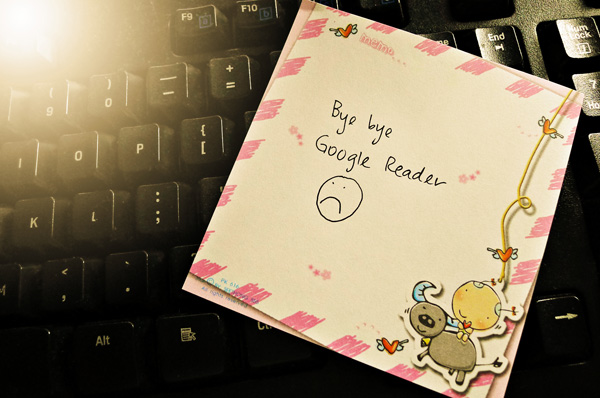
Months ago when I found out that Google will be retiring Google Reader on 1 July, I was livid. Of all the apps they still keep, they just had to get rid of something as useful of Google Reader. Between you and me, I don’t believe for a second that the use of Google Reader has declined over the years, not with even more blogs sprouting left, right and centre. First Feedburner and now Google Reader. What’s next Google? Oh get rid of Gmail too, why don’t you? *shakes fist*
Okay. Calm down. Damn you Google for giving me extra fine lines! *shakes the other fist*
Okay, for real, calming down now. Oh well, when all doors are closed, a window opens somewhere so all’s not lost. Sure Google Reader is the preferred feed reader but there are other websites and apps that do the same job as well.
Before you decide to move your Google Reader subscriptions to any feed readers, the first thing you should do is save all of your subscriptions by exporting its XML file and saving it in your computer. By backing up your subscriptions, you don’t have to manually copy, paste and insert the blog addresses to your new feed reader. That’s a lot of time saved.